
How to Search Cases by Name
Start at the state level. The statewide entry point is re:SearchTX, which pulls together data from participating Texas courts and lets you sort through Cases, Filings, Text in Documents, and Hearings views. You will need to register or sign in. The official guide lists keyword and advanced search controls, though it cannot promise that every Haskell County case or document appears there. So a name match is a discovery tool, not a full criminal-history search.
Keep your terms tight. Then check the court listed on each result. The 39th Judicial District covers Haskell, Kent, Stonewall, and Throckmorton Counties, so a district label alone never proves a hit belongs to Haskell County. Similar names demand extra care too.
- Register or sign in, then choose the Cases view.
- Enter the available name or keyword and use Advanced Search when useful.
- Limit the result by court, county, type, or filing date when those controls appear.
- Verify Haskell County, the court, cause number, and filed date.
- Confirm the match with the maintaining clerk.
| Field label | Type | Required | Use |
|---|---|---|---|
| Keyword Search | Text | No fixed rule published | Names or supported terms |
| Dataset tabs | Choice | Yes | Cases, Filings, Text, or Hearings |
| Search By | Dropdown | Context based | Changes fields after sign-in |
| Sort By | Choice | No | Date or case number |
Haskell County re:SearchTX Access
The official reference guide walks through saved searches, alerts, exports, case details, and hearing dialogs. A document cart rounds out the tools. Those tools pay off once you have pinned down the right Haskell County case. One caution first. A cart symbol does not make a document public, free, or ready to download.
Expect a sign-in or registration screen when you first open the state portal. The official access page shows that gate: View the official re:SearchTX access page.
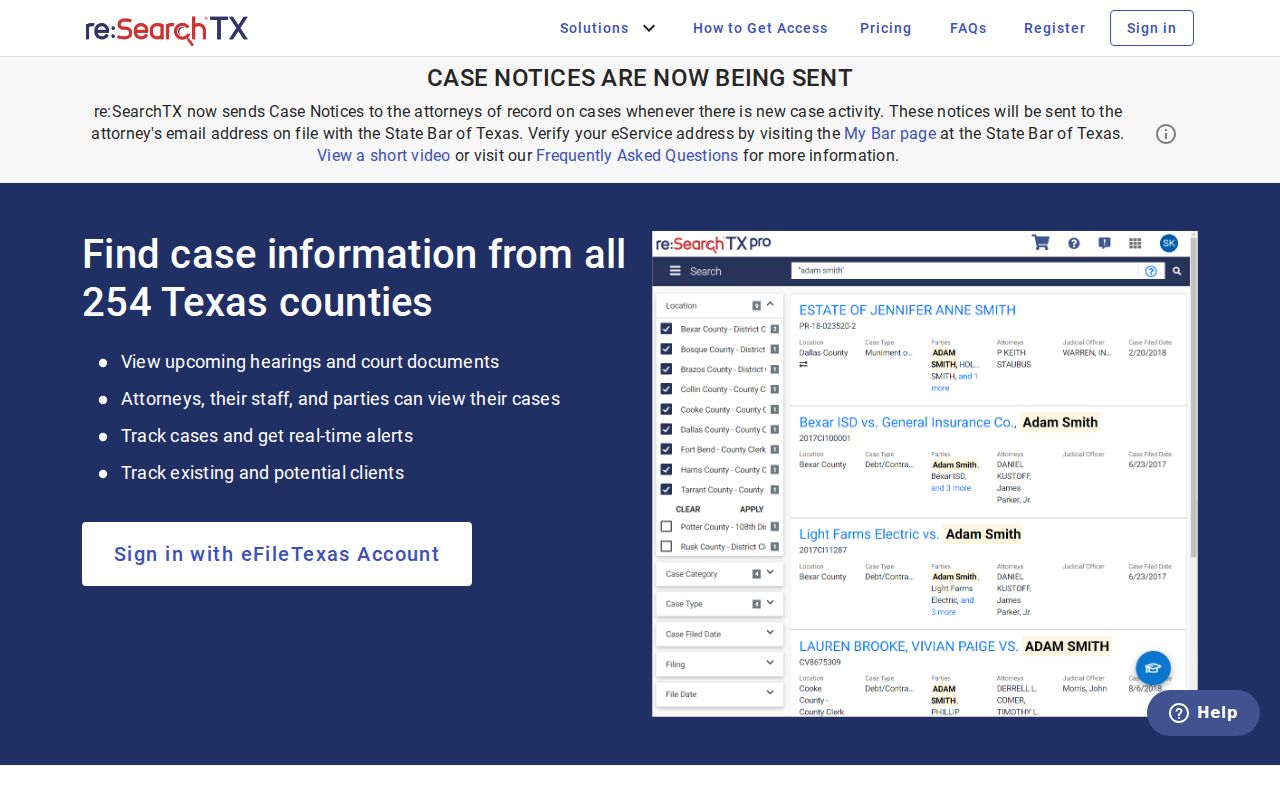
Signing up is simply part of the state search route. When a Haskell County record is missing or restricted, the local clerk is still the office to call.
How to Search by Case Number
Nothing beats a cause number for a Haskell County search. The County Clerk memo states the clerk can pull information under a specific cause number. Type it exactly as written, letters and punctuation included. No official local number pattern exists, and a generic form like YYYY-XX-##### should never be mistaken for a Haskell format.
Only have a citation number? Find the issuing court first. Justice Court and municipal tickets do not land in County Clerk records by default. Appellate numbers belong to the Eleventh Court of Appeals. And if a search returns nothing, call the clerk before assuming no case exists.
Verify Haskell County Results
Any 39th District result needs two checks: the county and the court. Texas Government Code Chapter 24 sets the district across four counties. Match the cause number, filing date, case category, public party labels, and judicial officer where shown.
Key check: a matching name is not enough. Verify the county, court, cause number, and date before requesting documents.
Conflicting details? Go to the office that keeps the original record. Upload timing, historical conversion, and access rules can all make a state result differ from the local file.
What a Case Search Shows
A public search can hand back an index, a docket event, a hearing entry, or a document listing. Those layers are not the same thing. An index may name a case while a filing stays unavailable, and a hearing can shift after a reset.
| Cause number | The court identifier; preserve its exact format. |
|---|---|
| Court and county | The tribunal and county maintaining the matter. |
| Case type | The public category, such as civil, family, criminal, or probate. |
| Filed date | The date shown for the case or filing. |
| Docket events | Filings, orders, returns, settings, and recorded acts. |
| Status | The portal label, which may need current confirmation. |
| Restriction | A sealed, confidential, blocked, or unavailable signal. |
Write down the date you searched. A Haskell County result is a snapshot, not a promise that the next hearing will hold.
When Haskell Downloads Are Missing
A result with no download can still be real. The filing may be non-electronic, unindexed, restricted, sealed, or available only through the clerk, so ask whether the result is an index only and whether you can request inspection or a copy. Never try to bypass a restriction.
The Texas Judicial Branch guidance puts it plainly: no single portal holds every case, and the public is routed to the court that maintains the record. The official explanation reads:
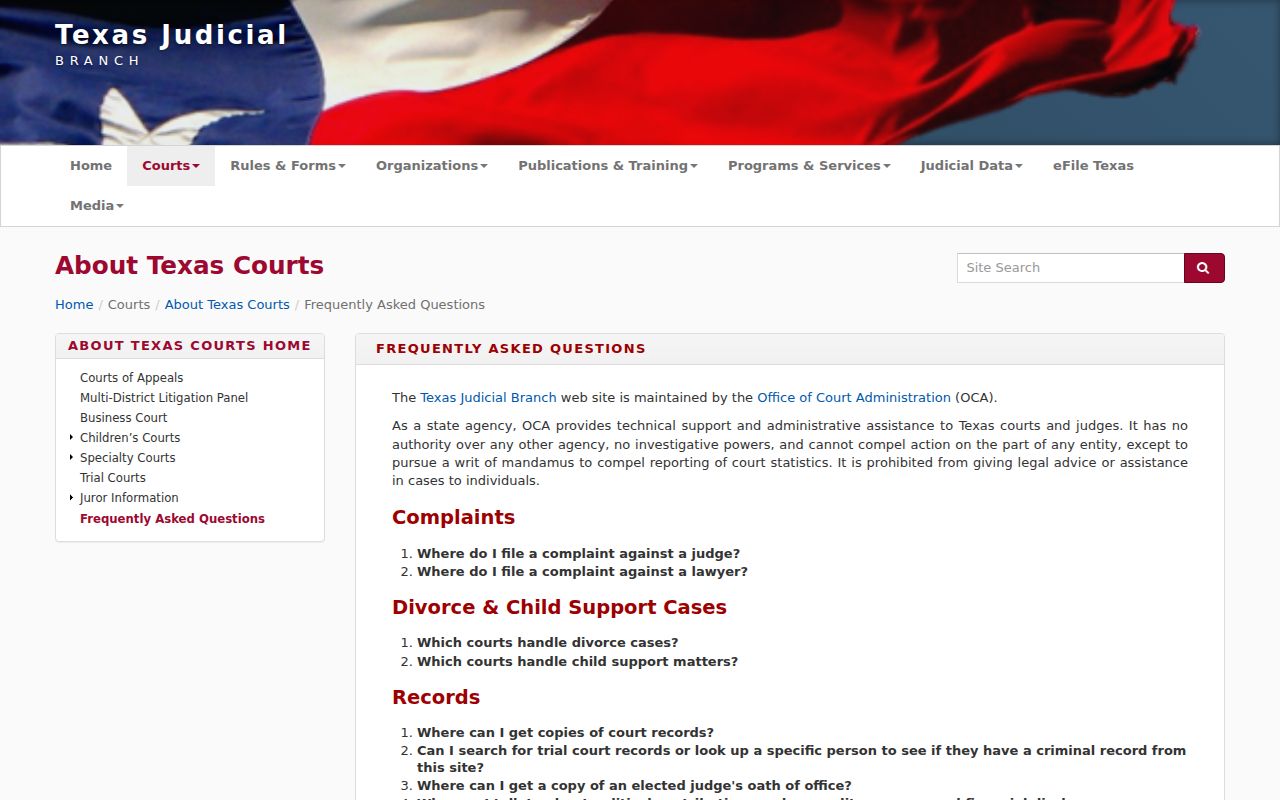
In Haskell County, that second stop may be the County Clerk, the District Clerk, the Justice Court, or the issuing municipal court. The right one depends on which court handled the case.
County vs Statewide Case Search
Haskell County publishes no verified open county case-search form. Its site offers clerk pages, a search memo, forms, and contacts instead. re:SearchTX serves as the statewide discovery layer, but neither it nor the county site replaces the official local file.
| Point | re:SearchTX | Haskell route |
|---|---|---|
| Access | Registration and sign-in | Counter, phone, mail, or form |
| Best use | Indexed cases, filings, text, hearings | Known case, copies, current confirmation |
| Search key | Keyword or advanced fields | Specific cause number preferred |
| Limits | Coverage and documents vary | Office rules and fees apply |
For county-court and probate matters, call the County Clerk at 940-864-2451. District civil, family, felony, juvenile, and child-protection records belong with the District Clerk at 940-864-2030. Justice Court matters go to 940-864-2903.
Haskell County Clerk Fallbacks
For County Clerk probate and civil records, the June 1, 2025 search memo allows a self-search in the office from 9:00 a.m. to 4:30 p.m. on weekdays except holidays. Give the clerk a cause number with any retrieval request. The office sits at 1 Avenue D, Suite 4, Haskell, Texas 79521. Mail goes to PO Box 725, Haskell, Texas 79521. Call ahead for current procedure and fees.
District records start with the District Clerk, whose inquiry form asks for name, phone, email, email confirmation, reason, and a reCAPTCHA. Need a hearing checked fast? The 39th District Court answers at 940-864-2661. When you want a copy rather than an index, the Haskell County court record search route is the better path.
Restricted Cases and Access Rules
Not every Haskell County filing is open to the public. Rule 76a allows civil files to be sealed, and Rule 21c shields sensitive data. Family Code Chapter 58 restricts juvenile information, while Code of Criminal Procedure Chapter 55A governs expunged records. A July 29, 2025 order goes further. Specified DFPS affidavits, reports, and documents are now confidential in the 39th District.
Finding a case in a public index does not grant you the right to republish a blocked filing. The Texas judiciary open-records guidance draws a line between Rule 12 judicial records and the case records that clerks hold. Rule 12 also does not compel an office to build a database. Nor must it run unlimited research on your behalf.
Note: When a Haskell County docket search comes up empty, the cause may be court selection or an indexing delay. It could also be a lawful restriction. Confirm with the clerk before assuming anything.
Four Haskell Case Search Views
Each search view serves a different job. Cases pins down the matter you want. Filings steps closer to recorded submissions. Text in Documents scans what text is actually searchable, which may not include every protected or unscanned file. Hearings surfaces settings, and those should be confirmed close to the appearance date.
- Case
- The court matter and main identifying fields.
- Filing
- A document or submission recorded in that matter.
- Hearing
- A scheduled event that may later move.
- Disposition
- The recorded outcome label, not the entire file.
Saved searches and alerts can help you follow a public Haskell County case, but they are no substitute for official court notice. eFileTexas is the filing system, not the public case lookup.
Haskell County Case Search Checklist
Write down the details that make later verification easy. List the exact cause number, the full court name, Haskell County, the case category, and the date you checked. Note whether your source showed just an index, a hearing, or a filing title. Or was it an actual public document? Those specifics let the clerk answer a focused question. They also keep a result from another county in the 39th District from being mistaken for a Haskell County case.
When a hearing is near, call the court even if the portal shows a date. For a certified copy, name the filing. Ask for the current page count and total. If a result carries a sealed or confidential marker, do not hunt for a route around it. Ask instead what public portion, if any, can be released.